Watch
The whole team at a glance
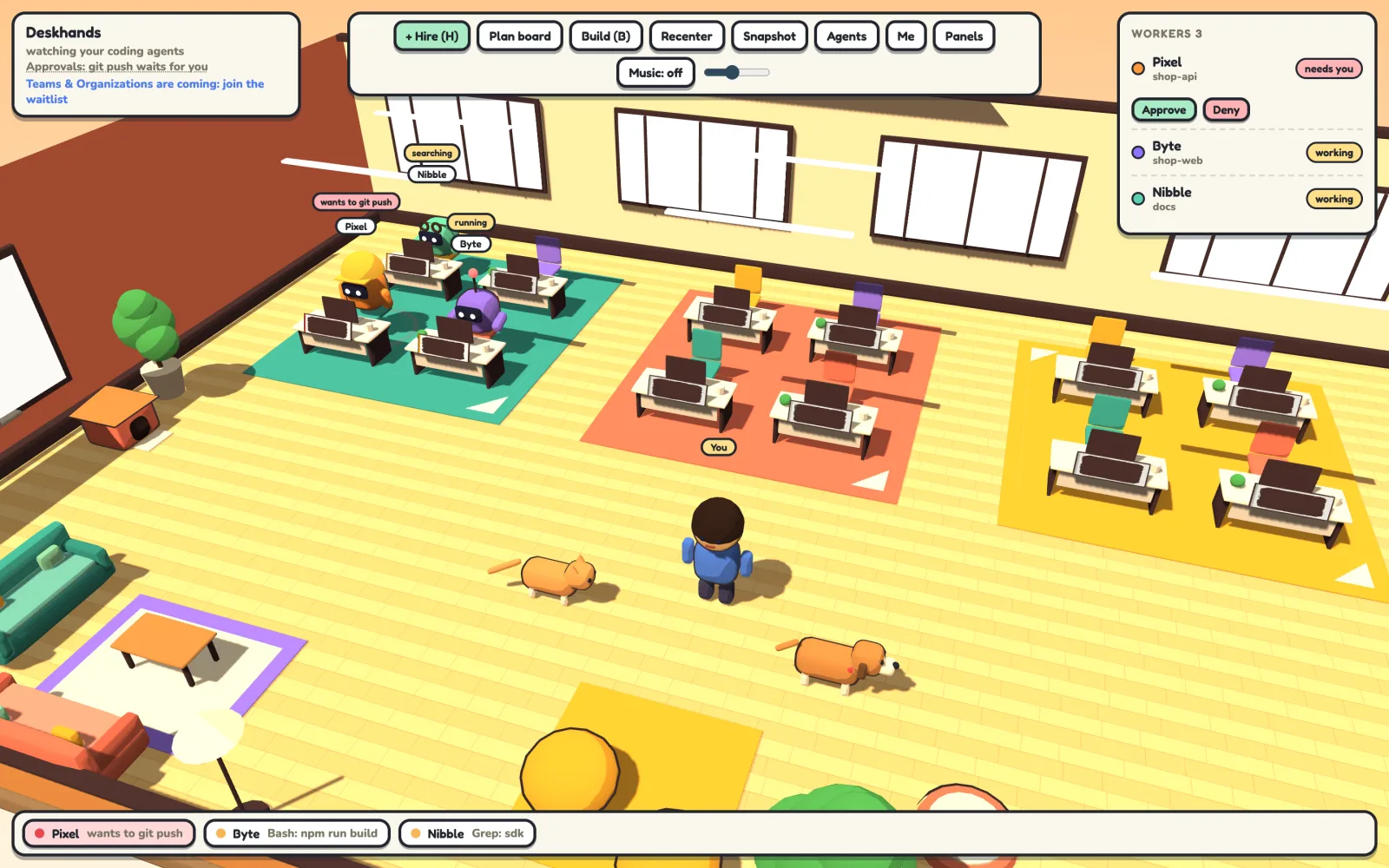
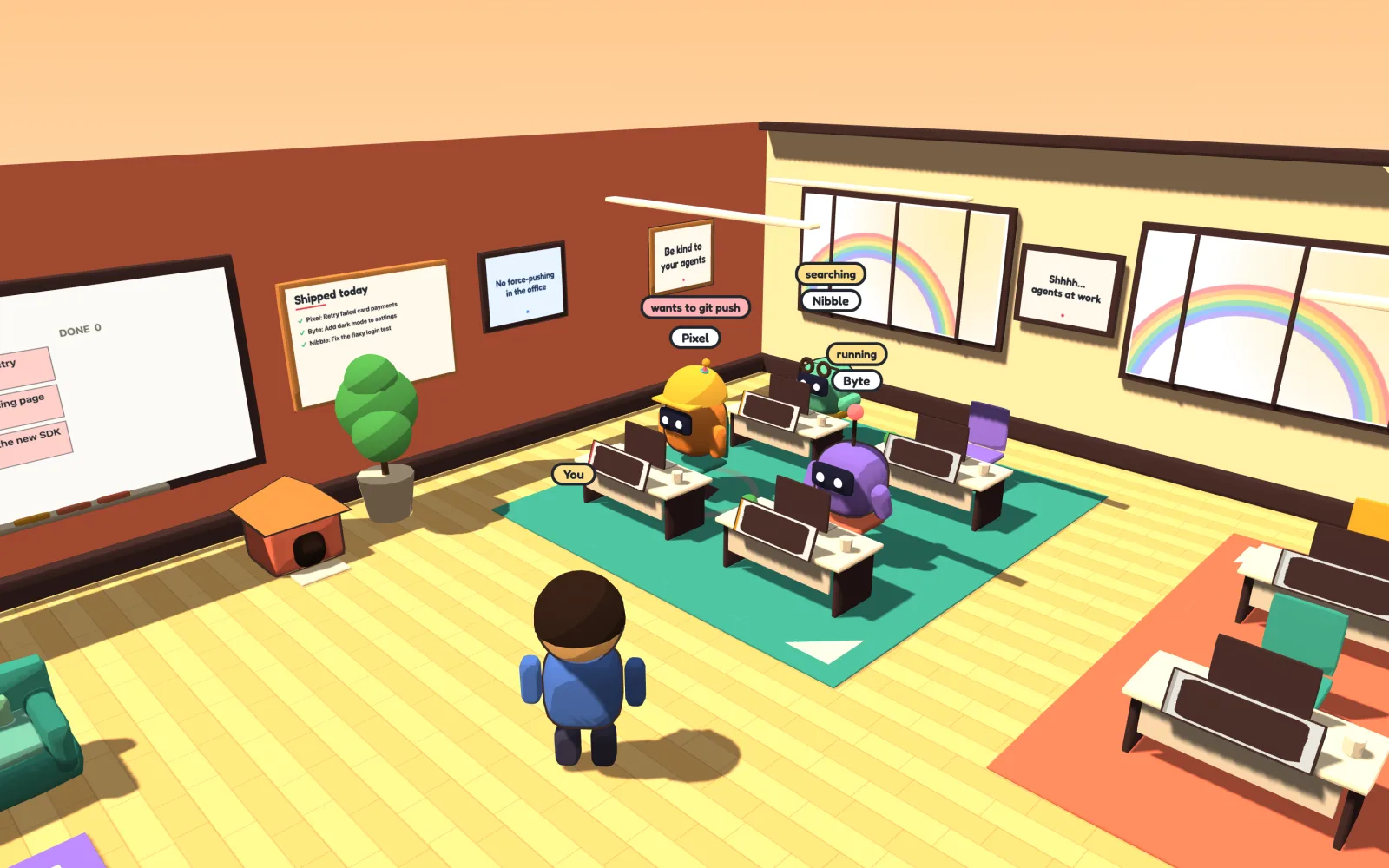
Every agent sits at a desk with a live status: reading, editing, running tests, done. The one that needs you says so, and the dock along the bottom keeps a running line on everyone.
 Deskhands
A macOS and Linux app for people who run coding agents
Deskhands runs Claude Code, Codex, Antigravity, Gemini CLI and Grok side by side in one small office on your computer. See who is working on what, step into any terminal, and have risky commands like git push wait for your yes.
Free for solo developers. No account. For Macs with Apple silicon and for Linux.
Three agents means three terminals, a dozen tabs, and no idea which one has been waiting on you for ten minutes. Deskhands puts them all in one room.
Forty-five seconds in the office: a git push approved (the dog brings it to you), a real terminal over an agent's shoulder, the elevator up to the second floor, every floor at once, and the security camera.
Every agent sits at a desk with a live status: reading, editing, running tests, done. The one that needs you says so, and the dock along the bottom keeps a running line on everyone.
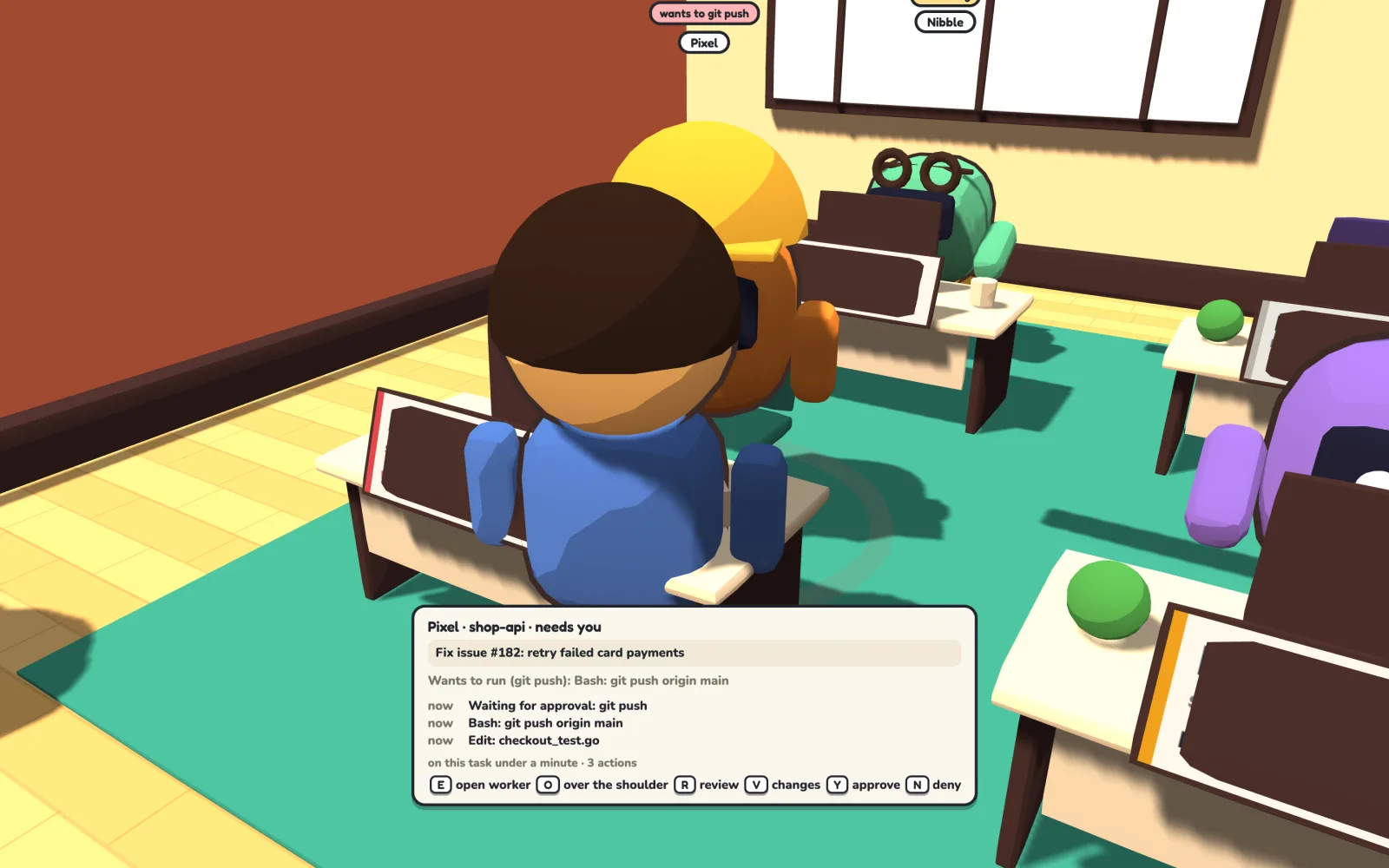
Walk up to an agent and its screen shows what it is doing right now, with a card for its task and its last few steps. Press T to talk to it, O to look over its shoulder, R to ask another agent for a review, or V to see its changes.
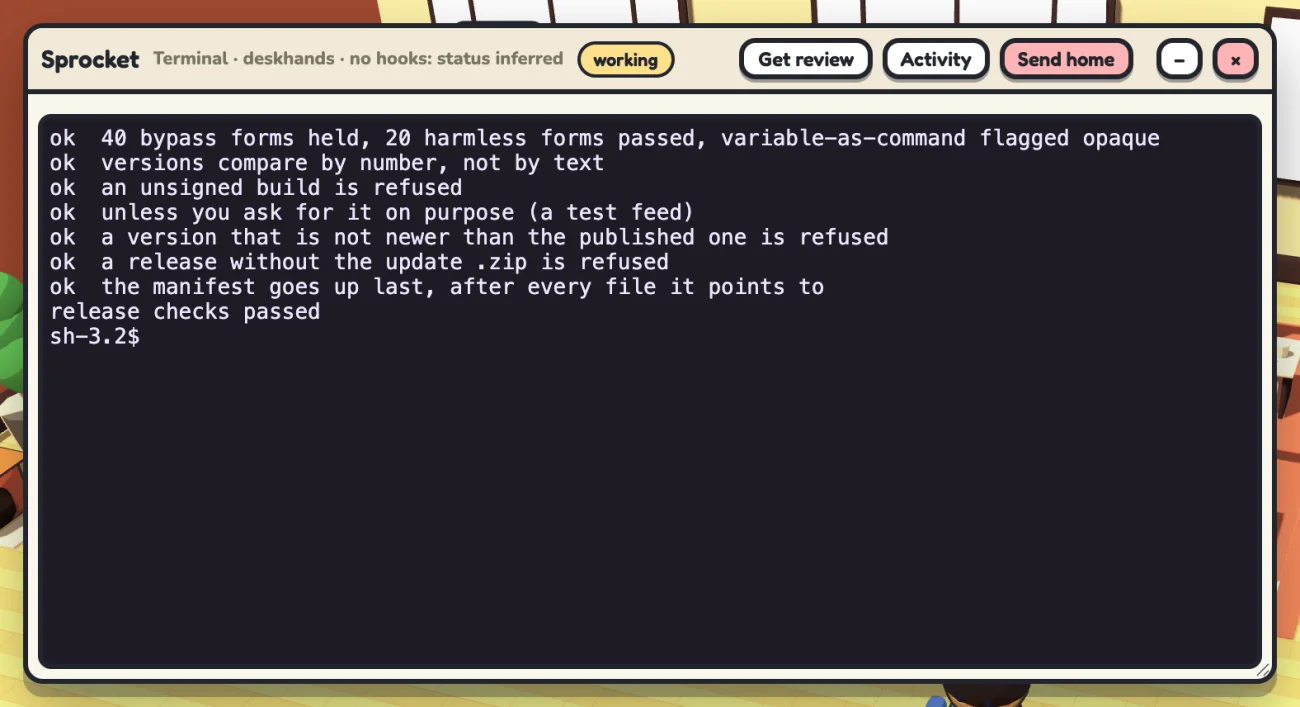
Open any agent's terminal to type to it, scroll back through everything it did, or send it home. It is the same command-line agent you already know, not a summary of one.
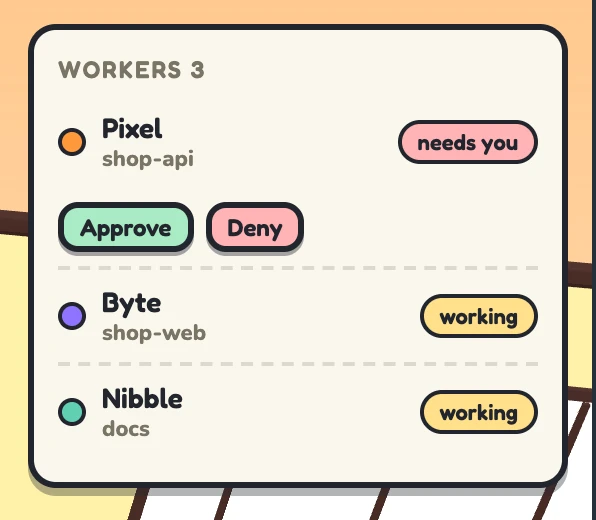
Deskhands holds commands like git push until you click Approve, or press Y. Approvals work with Claude Code and Codex agents you hire in the office, and with Claude sessions you start in your own terminal with dh claude. Want an agent to just get on with it? Hire it in Full auto and nothing is held.
When an agent's tests pass it pumps its fist; when they fail it slumps. A push that goes out rings a bell, throws confetti, puts a rainbow in the windows and turns the door sign to SHIPPING. Every finished task is written up on the Shipped today board, and the plants droop if an approval has been waiting on you too long.
The office, the terminals and the approvals all run locally. Your agents talk to their own providers, just as they do in any terminal.
On first launch it installs the agents you pick with their makers' own installers, helps you sign in, and keeps them up to date.
It never edits ~/.claude or any agent's global settings. Anything it needs is passed to each session it starts.
No account, no trial, no card. Paid plans add your phone, your other computers and your team.
Works with Claude Code, Codex, Gemini CLI, Antigravity and Grok. Other command-line agents running on your computer show up on their own.
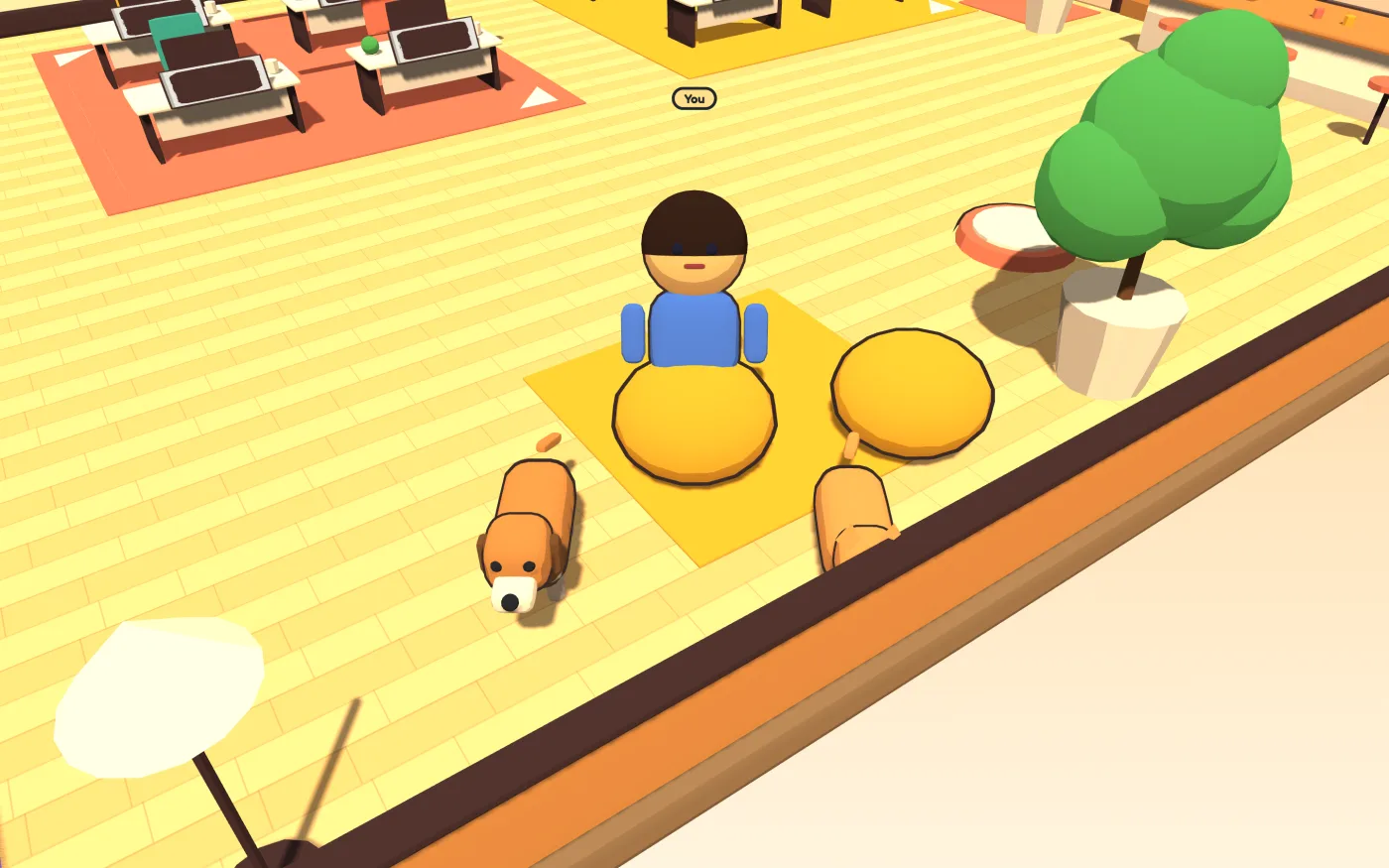
Walk around, grab a coffee at the bar, and sit on the beanbags while your agents work. Carry Mochi the cat back to her house when she wanders past your desk; Biscuit the dog comes to say hello. The lights come on by themselves when it gets dark, or flip the switch by the door.
Put on the radio (lo-fi, or the sound of a busy office), grab a donut from the snack machine, and on Fridays after five, the pizza arrives. Finished work earns coins for furniture, if you like that sort of thing. If you don't, hide it.
Step away for an hour and a recap greets you when you're back: what finished, what failed, what shipped, and what's waiting on you. If an agent keeps failing the same tests or goes quiet, the dog comes to tell you. There's a trophy shelf to fill, pumpkins in October and snow in December.
There are a few secrets hidden around the office too. We won't spoil them. Press ? in the app for every control.
Free for solo developers, on macOS and Linux. The first time you open it, Deskhands helps you install and sign in to Claude Code, Codex or Gemini CLI.
For Ubuntu and Debian on x64. Install it with sudo apt install ./deskhands_*.deb; to update, download the new .deb.
Also: the .deb for arm64, or an AppImage for other distributions that updates itself (x64, arm64).
Leave your email and we will send you the download the day it is out. Nothing else.
Everything that runs on your computer is free, and stays free. Paid plans are for what reaches beyond your desk, which is also what costs us servers to run.
Free
The whole office on your computer: every agent at a desk, real terminals, approvals, Second Desk, voice, replays. No account.
Available now
$9 a month, or $90 a year
You, everywhere: approvals and voice from your phone, all your computers and servers in one office, sync, share links, signed approvals with your own audit log.
Being built
$16 a person, a month
A shared building: your teammates and their agents, live. Ask a teammate to approve or review, two-person rules for risky commands, Slack alerts.
Being built
Let's talk
Single sign-on, company-wide approval rules, proofs checked in CI and on your git server, audit export, invoicing.
$60 a year, locked for as long as you stay.
What you get today: your name on the Founding members sign in every Deskhands office (one of 300; when it is full, it is full) and a direct line to the people building it.
What comes as it ships: everything in Studio, starting with approvals from your phone. It is not built yet: you are paying to help build it, and you will see each part arrive.
Become a founding memberPayments by Stripe, who also handle tax. Changed your mind? A full refund within 14 days: reply to your receipt. Cancel any time and you will not be charged again.
We are building paid plans for people who run agents together: shared approvals, a record of who approved what, and policies your git server and CI can check. Tell us you are interested and we will reach out first.